How To
What Is a Keyboard Tester?
A keyboard tester shows whether every key registers correctly. Learn when to test your keyboard, the signs of a failing key and how to run a test.
THE KEYBOARD WORKBENCH
This free online keyboard tester shows which key presses your browser receives. Press the keys on your physical keyboard to check letters, F-keys, arrows and the numpad. No download or account needed.
0 of 104 keys tested
Keys you press turn red, and stay tinted once they've been tested. Fn and some media keys are handled by your keyboard or operating system and may not reach the browser.On a phone or tablet, connect a keyboard first. Tapping the keys on screen does not test switches.Using only a keyboard? Press Esc twice to leave the tester.
The whole test takes about a minute. Use a physical keyboard: tapping the keys on screen doesn't test anything.
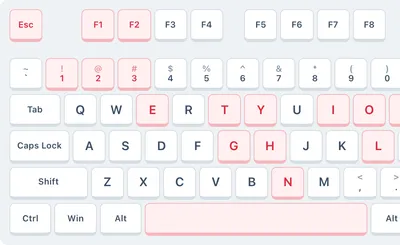
Press each key on your keyboard one at a time. Working keys light up red on the keyboard above and stay tinted once they have been tested.
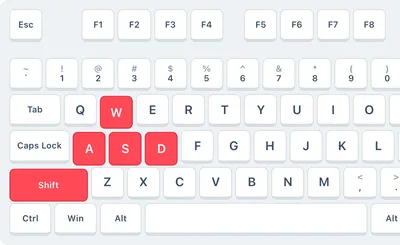
Hold several keys together, such as Shift with letters or W, A, S and D, to see whether each press registers. Press Reset whenever you want to start over.
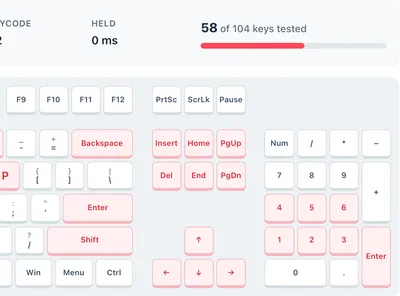
The counter shows how many keys you have tested. Retest any key that never lights up or appears to repeat. Browser shortcuts, keyboard settings and connection problems can also affect the result.
A red key means the browser received a key-down event. A tinted key means that key has been tested during this session. The counter tracks the selected layout, so choose a size that matches your keyboard before judging missing keys.
For browser event timing, use the keyboard latency test. If keys also fail outside the browser, follow the keyboard troubleshooting guide.

Test as many keyboards as you like at no cost: desktop, laptop, wireless, gaming and mechanical keyboards all work.

Every press shows up instantly with the key name, its code, which side it is on and how long you held it. No app or plug-in needed.

The tester runs entirely in your browser. Key presses are processed locally rather than sent to our server. You can save a test report when you choose.

Test standard, gaming and wireless keyboards on Windows. Some system shortcuts and Print Screen presses may be intercepted before they reach your browser.

Switch the tester to Mac to see Command, Option and Control where they sit on Apple keyboards, plus F13 to F15.

Pick TKL or 60% to match smaller keyboards, or use full size for keyboards with a numpad.
Check browser response timing, see how many keys register at once, or type in another language.
A quick walkthrough of testing every key on your keyboard with a free online keyboard tester.
A keyboard tester displays the key events received by your browser on a virtual keyboard. Use it to check individual keys, left and right modifiers, the number pad and combinations of keys. It helps you spot input problems, but cannot certify the condition of a physical switch.
The Fn key is usually handled by keyboard firmware, while the operating system or browser may intercept media keys, Print Screen and system shortcuts. A missing highlight for these keys alone does not prove the keyboard is broken. Check the action the key normally performs as well.
Your computer is probably set to a different keyboard layout or language than your keyboard. Open your keyboard or language settings, choose the layout printed on your keys (for example US QWERTY) and remove layouts you don't use. If it still happens, reinstall the keyboard driver from your manufacturer's website.
Reconnect the keyboard or try another USB port. For a wireless keyboard, replace the batteries and pair it again. Then test it on another computer: if the key works there, the cause is a driver or setting on your computer; if it fails there too, the key or switch is faulty.
Unplug or switch off the keyboard, turn it upside down and tap it gently to release crumbs, then blow compressed air between the keys. Clean sticky keys with a cotton swab lightly dampened with isopropyl alcohol. After a sugary spill, the keyboard may need a deep clean or replacing.
Use it when a key stops working, types twice or feels sticky, when you buy a new or used keyboard, to check ghosting on a gaming keyboard, and to test keys you can't easily type into a document, such as F1 to F12, Print Screen or the numpad.
Yes. Switch the tester to Mac to show the Command and Option keys, or choose TKL or 60% for smaller keyboards. Laptop keyboards work too, but the Fn key itself can't be detected because the keyboard handles it internally.
Press every key once. Each key lights up red while you press it and stays tinted afterwards, and the counter shows how many keys you have tested. When every detectable key is tinted, the browser has received a press from each one. This does not certify the keyboard’s hardware or measure switch reliability.
Warning signs are keys that never light up, keys that need extra force, keys that register twice from one press (the tester warns you about this key chatter) and keys that stay pressed after you let go. If keys also fail on another computer, it is time to repair or replace the keyboard.
The tester processes key presses locally and does not send typed text to our server, so you can test keys without submitting typed text. Avoid entering passwords or sensitive information on any testing page.
Found a problem? These guides walk you through the most common keyboard fixes. Browse all articles.
A keyboard tester shows whether every key registers correctly. Learn when to test your keyboard, the signs of a failing key and how to run a test.
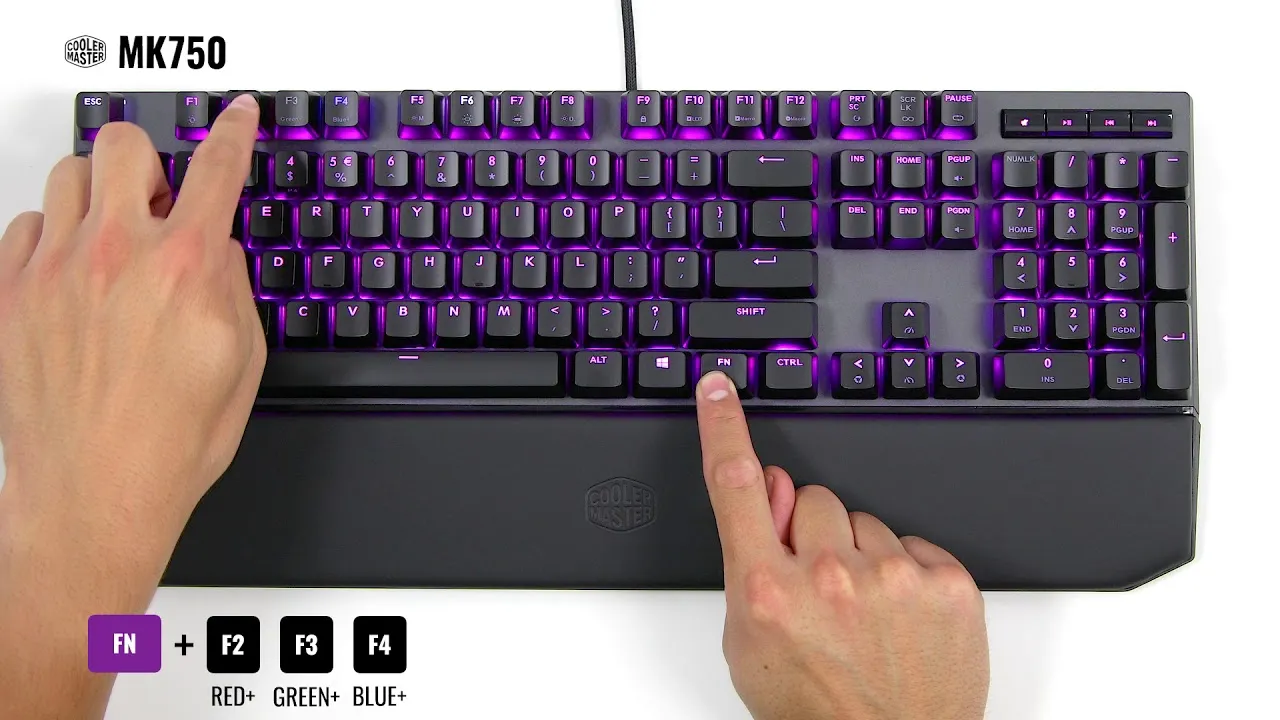
Want your keyboard to glow a different color? Learn how to check for RGB lighting and change keyboard colors with software, key shortcuts and settings.
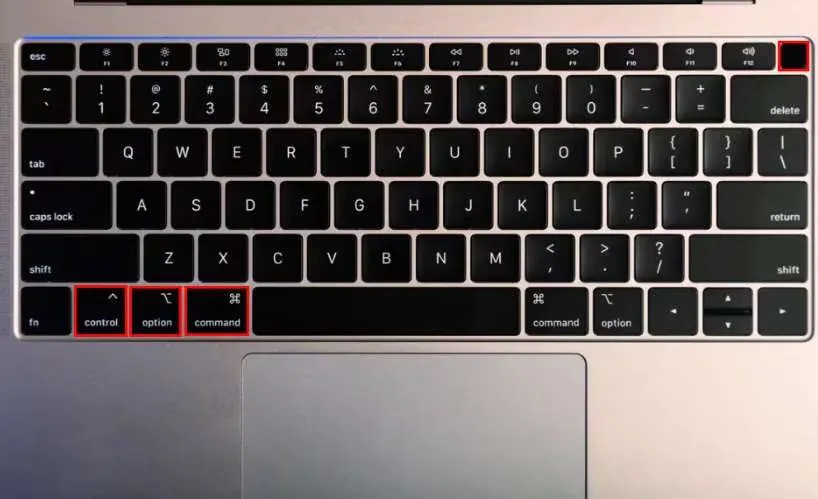
Restart your Mac using only the keyboard: the standard restart shortcut, how to force restart a frozen Mac and what to do when shortcuts don't work.
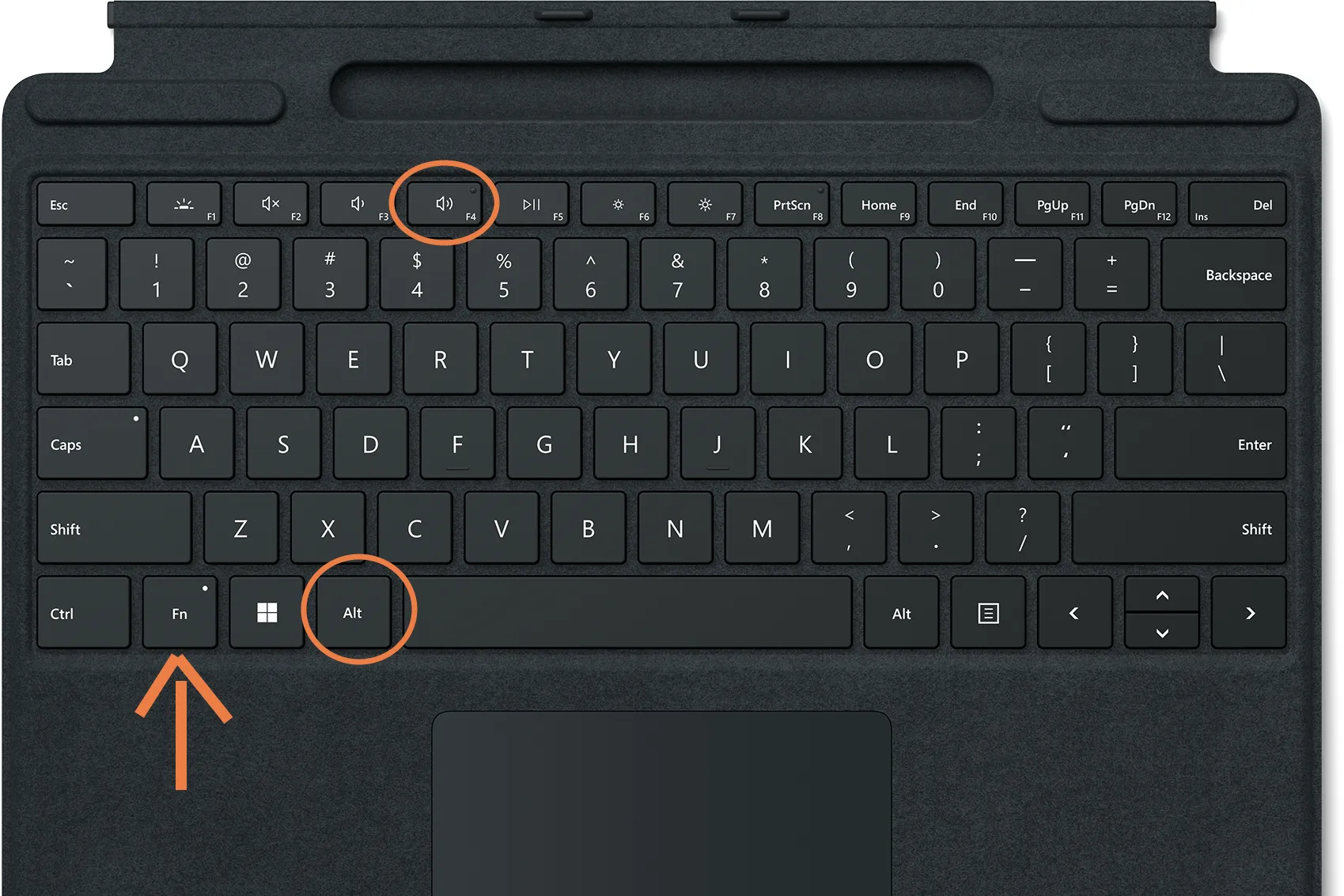
Turn off your PC or Mac without a mouse. Keyboard shortcuts like Alt + F4 and Ctrl + Alt + Delete for Windows, plus the shutdown shortcuts on Mac.
Test every key on a keyboard in your language or layout. See all language keyboards.