Tool
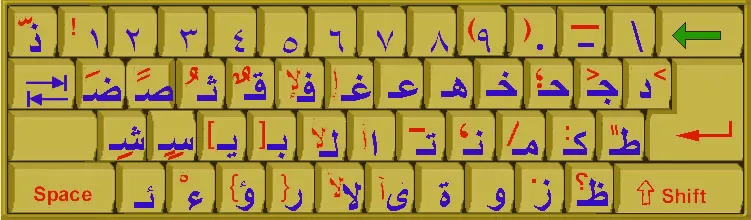
Arabic Keyboard Online
Type Arabic letters with a free virtual keyboard. Learn the Windows, Mac and mobile setup steps, and distinguish typing tools from physical key tests.
Fixes for keyboards that stop working, step-by-step how-tos and handy shortcuts for Windows, Mac, iPhone, iPad and consoles.
Type Arabic letters with a free virtual keyboard. Learn the Windows, Mac and mobile setup steps, and distinguish typing tools from physical key tests.
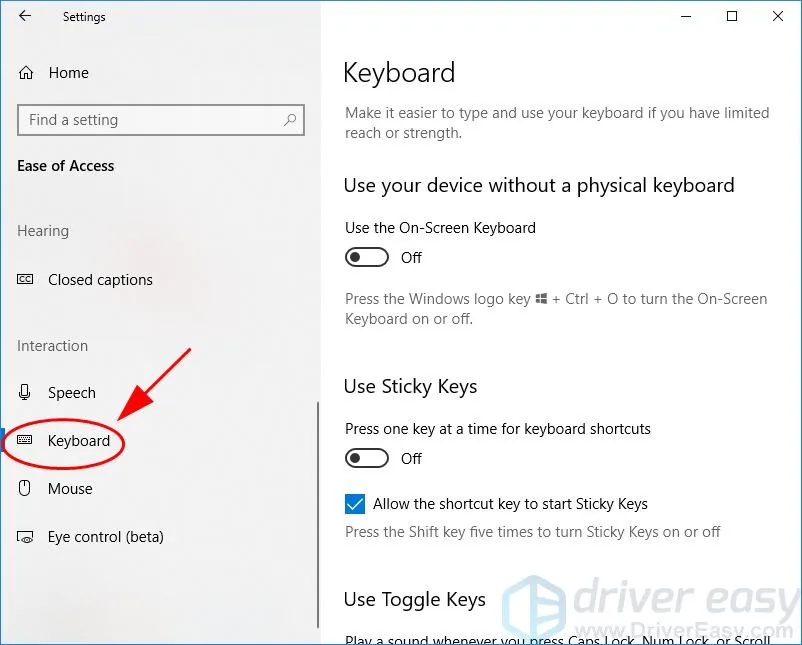
Caps Lock stuck on? Learn quick ways to turn it off, the common causes behind a stuck Caps Lock key and how to stop it from happening again.
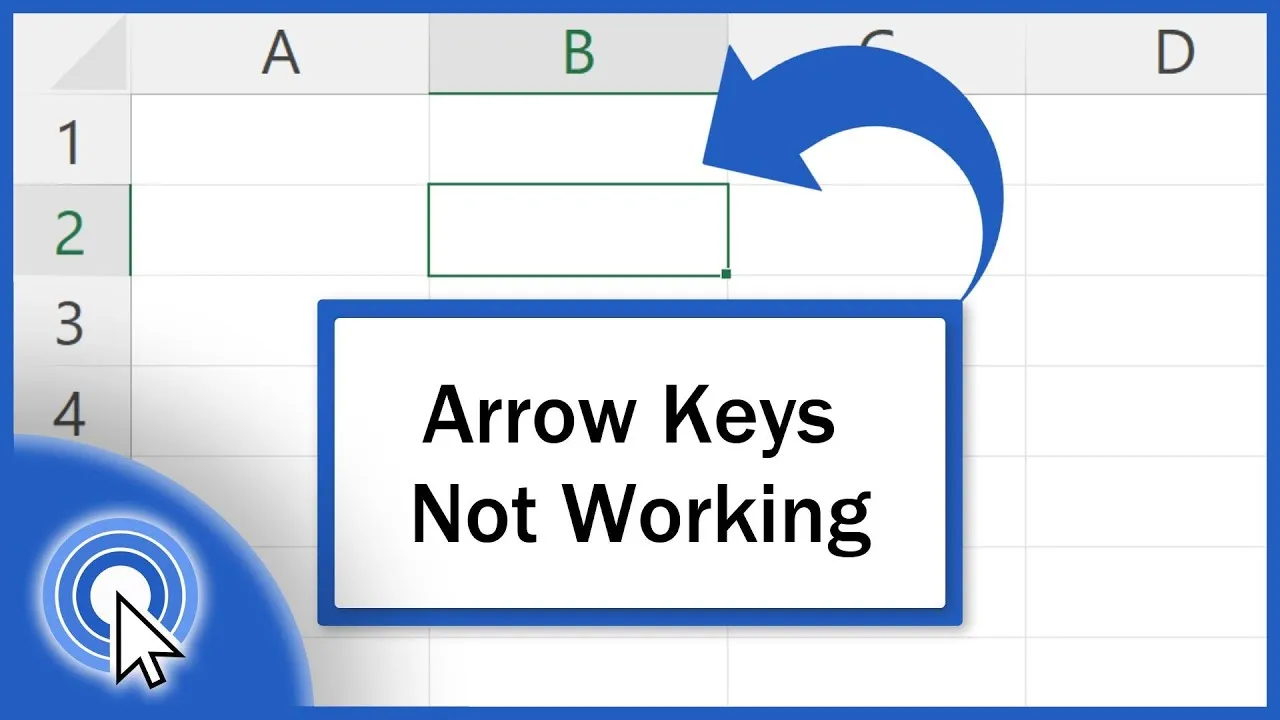
Arrow keys scrolling the sheet instead of moving between cells? See why Scroll Lock and other settings cause it in Excel and how to fix it in seconds.
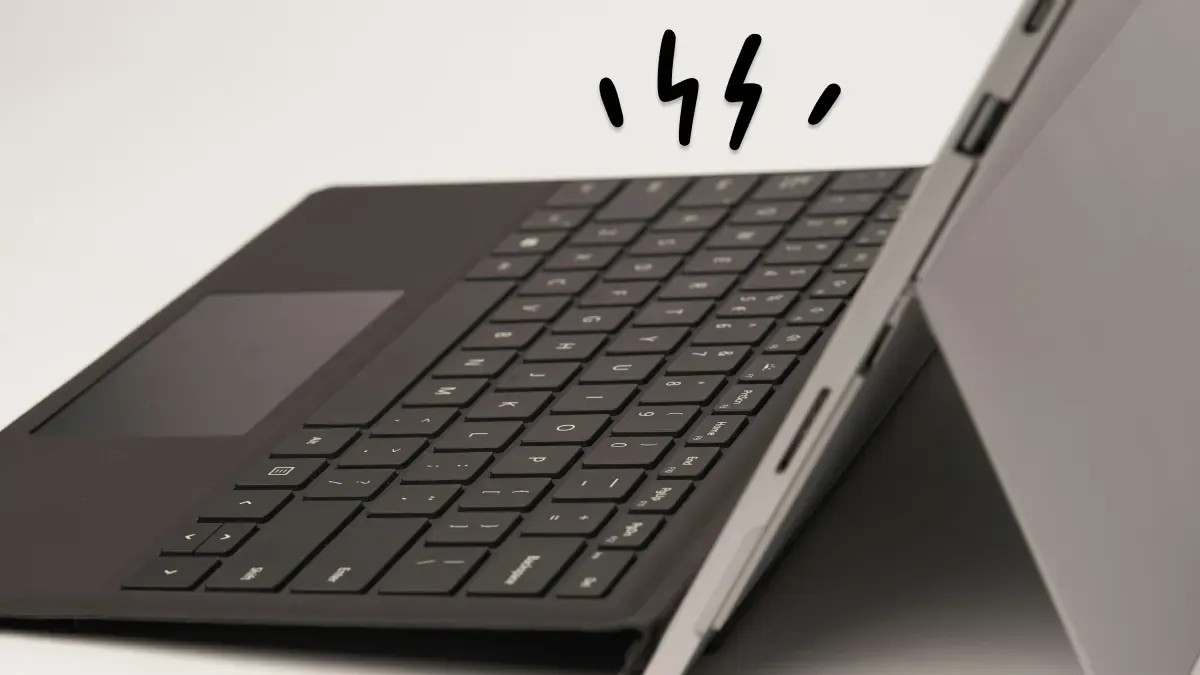
Surface Pro Type Cover or keyboard not working? Check the connection, restart, update drivers and reset settings with these easy fixes.
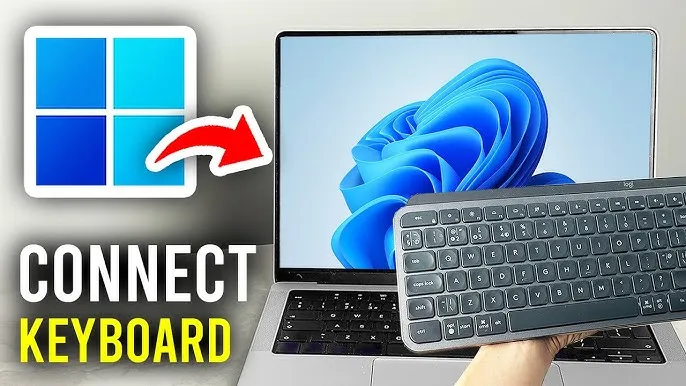
Set up a wireless keyboard in minutes with step-by-step instructions for USB receiver and Bluetooth keyboards, plus fixes if it won't connect.
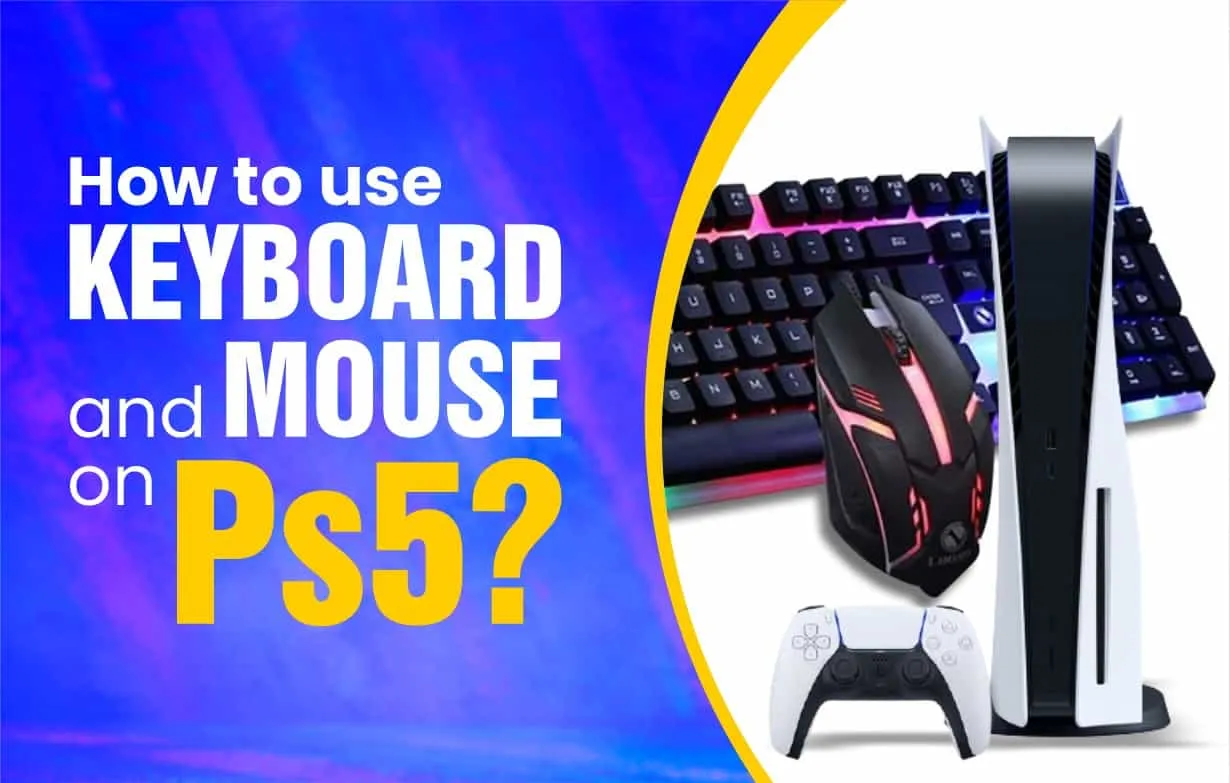
Yes, the PS5 supports a keyboard and mouse. See how to connect wired and wireless ones, which games support them and how to fix setup problems.
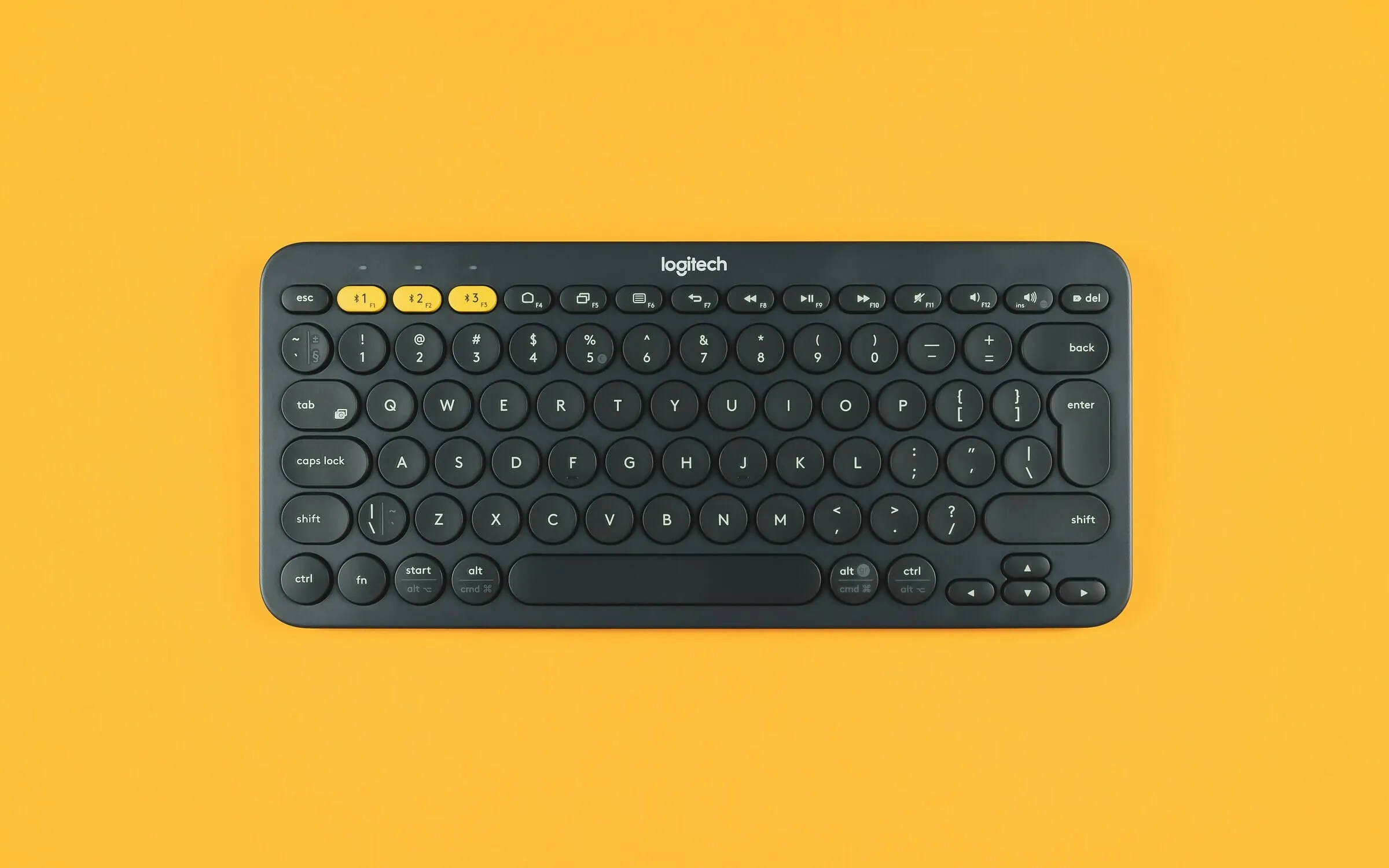
Logitech keyboard not connecting? Check the USB receiver, Bluetooth pairing, batteries and Logitech software with these step-by-step fixes.
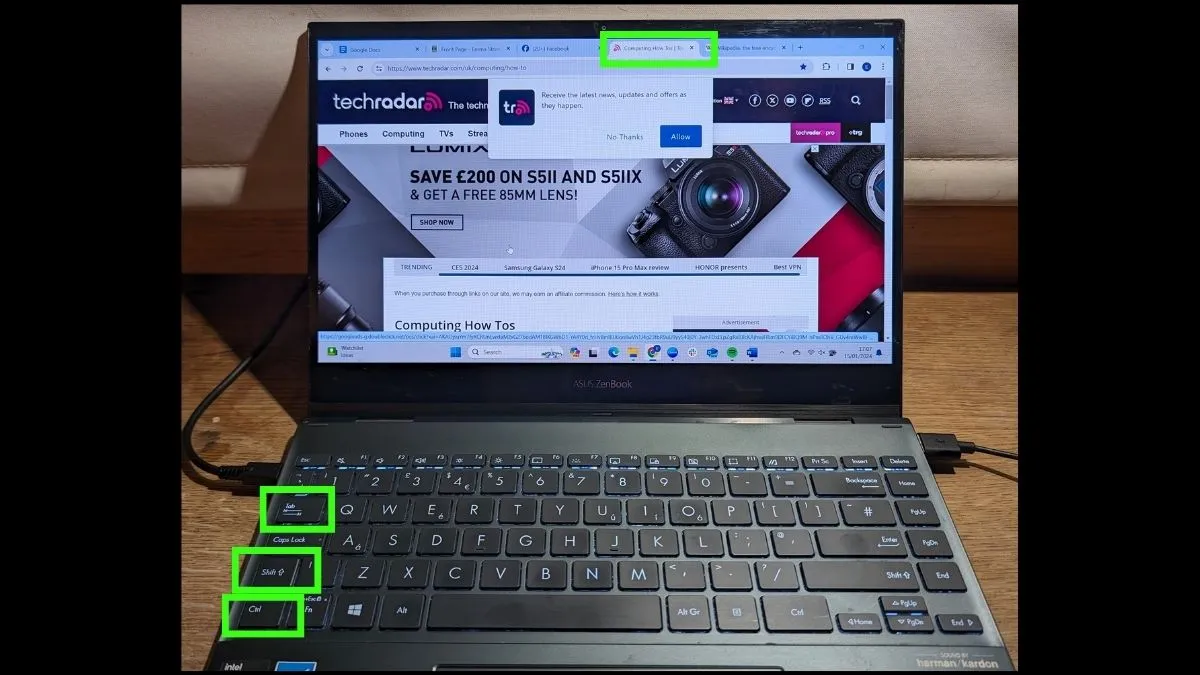
Switch browser tabs without touching the mouse. The keyboard shortcuts for Windows and Mac, including how to jump straight to a tab by its number.
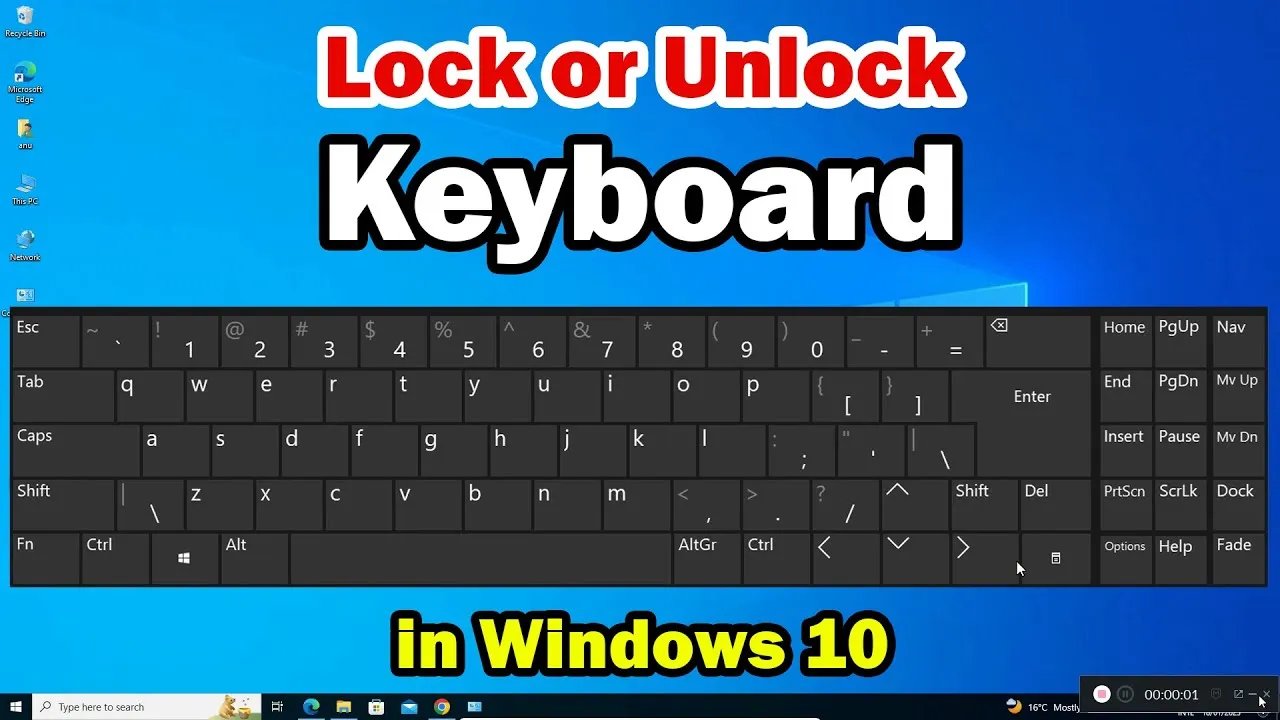
Keyboard locked and won't type? Unlock it fast: turn off Filter Keys, check Num Lock and Fn Lock, and fix driver or connection problems.
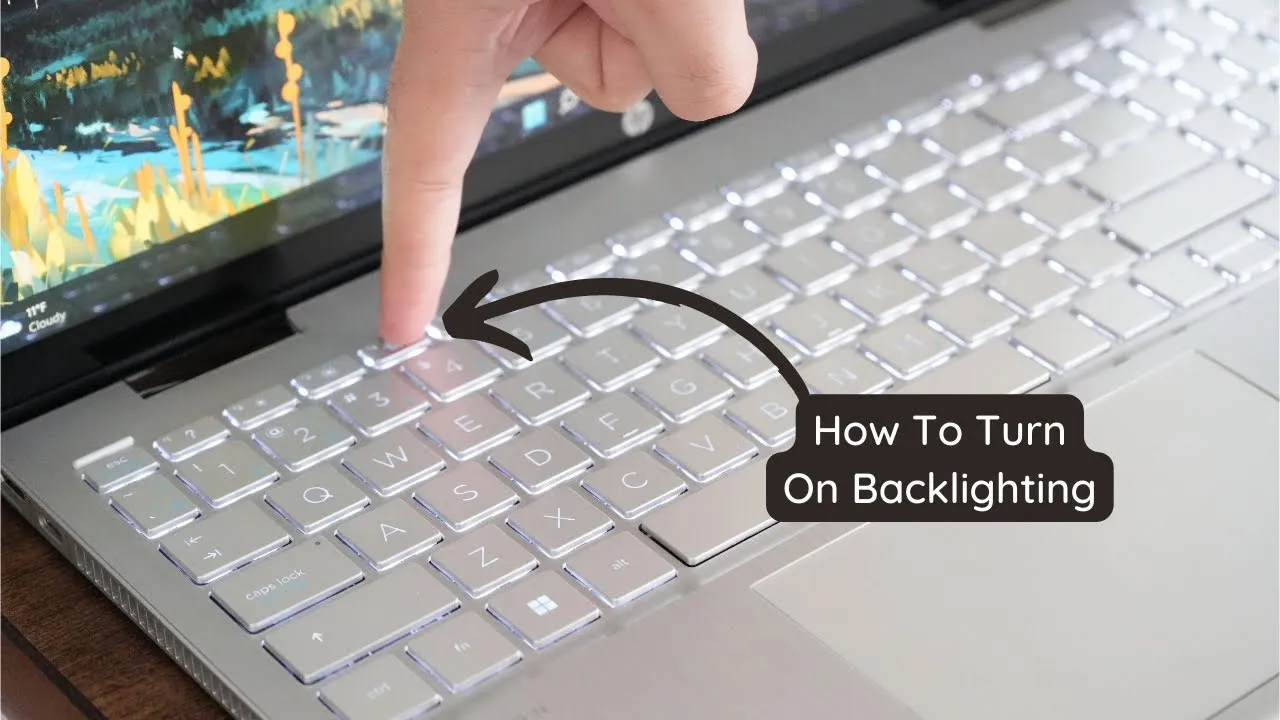
Can't find your keyboard backlight? Turn on the keyboard light on Windows laptops, MacBooks and RGB keyboards, and fix it when it won't light up.
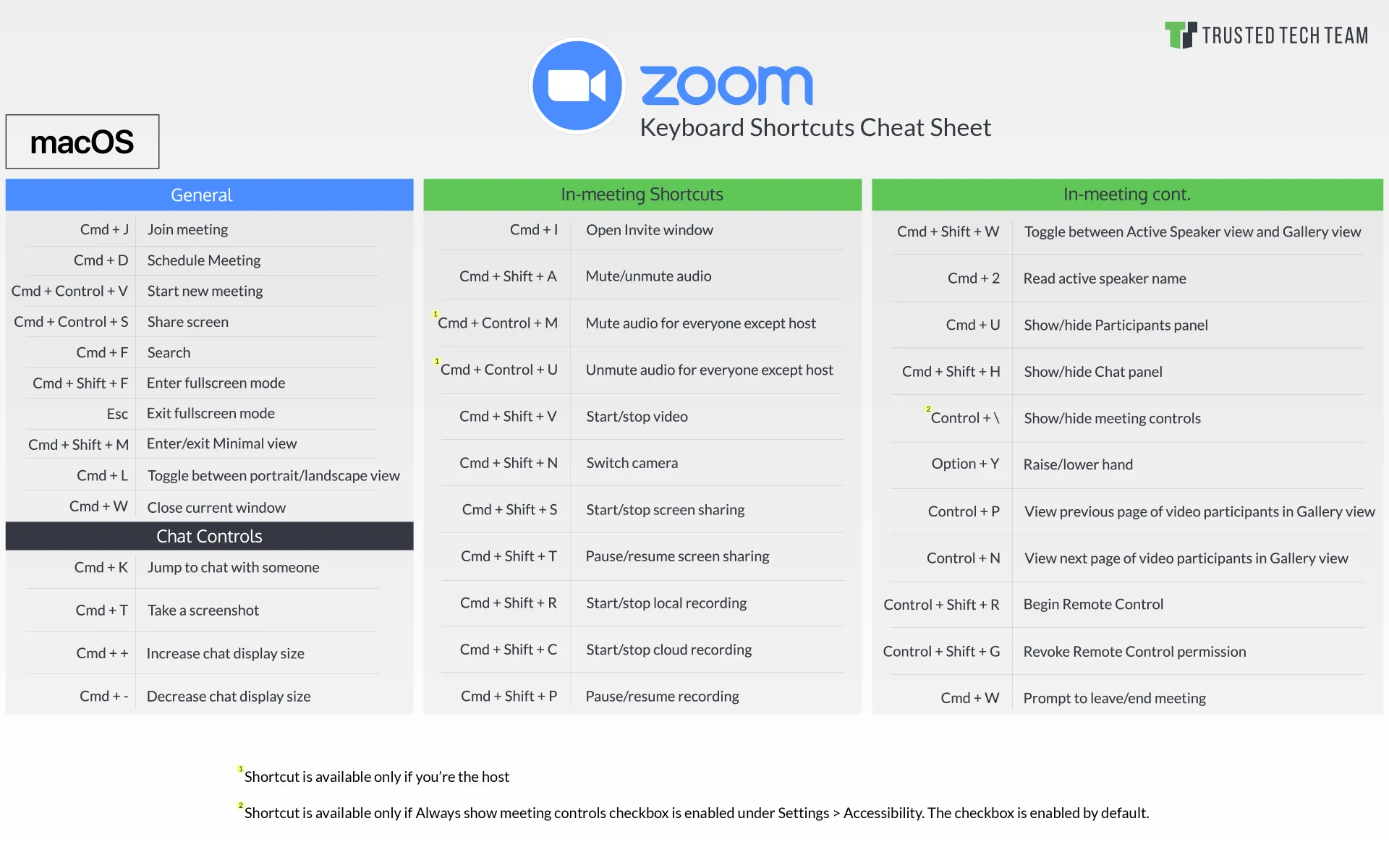
Mute, start your video, share your screen and more without the mouse. The essential Zoom keyboard shortcuts in one easy list.
How keyboard layouts work, and how QWERTY, Dvorak, Colemak and international layouts compare, so you can pick the one that suits how you type.
Test every key on a keyboard in your language or layout. See all language keyboards.